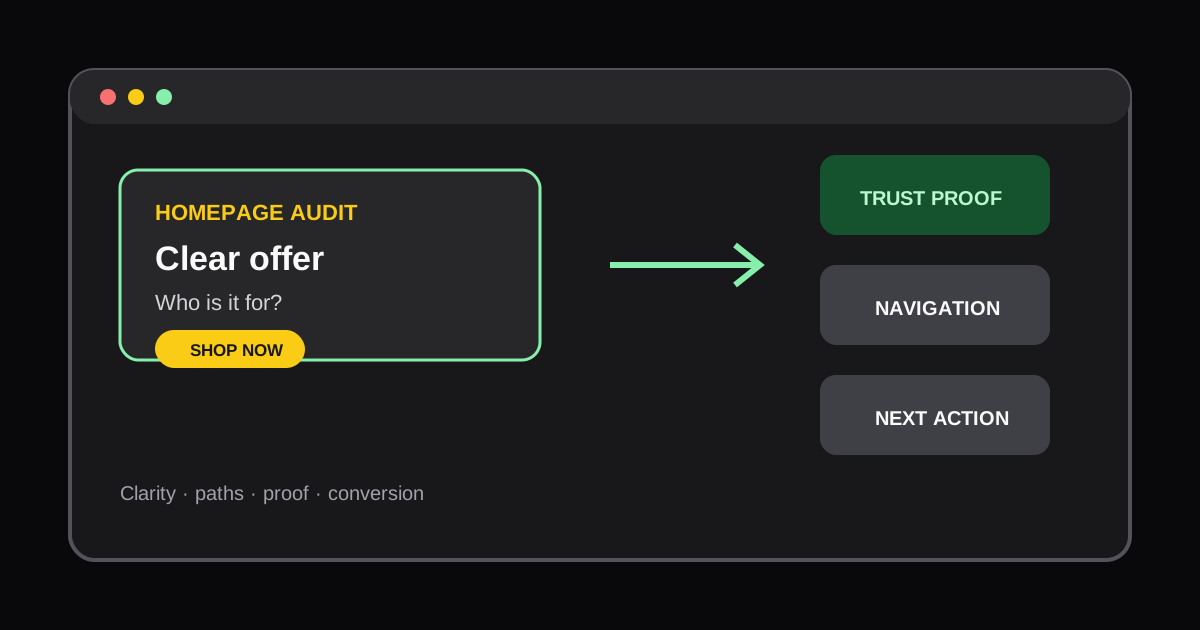
How to Audit a Shopify Homepage for Conversions
Learn how to review a Shopify homepage for offer clarity, navigation friction, trust signals, and the next action a new shopper should take.
Your homepage has a different job from a product page. It must orient a new visitor quickly, make the offer credible, and guide different shopper types to the right next page. A homepage audit should therefore focus on clarity and direction before visual novelty.
Review the first screen
Ask a person unfamiliar with the brand to look at the page for five seconds. Can they explain what the store sells, who it is for, why it is distinct, and what they should do next? The answer should come from the headline, supporting copy, primary image, and primary CTA together.
A vague slogan, rotating banner, or multiple competing buttons can obscure the offer. Use one main action for the primary shopper intent, such as shopping a best-selling category, finding a product, or taking a quiz. Secondary actions should be visually quieter.
Check the paths through the page
Map the paths a shopper can take from the homepage:
- New visitors need an introduction and a low-friction way to browse.
- Visitors with a specific need need clear collections or product discovery.
- Returning visitors may want best sellers, replenishment, or account access.
Navigation, search, category cards, and promotional modules should support these paths. Do not force every visitor through the same story. On mobile, test that menus, filters, search, and sticky elements leave enough room for the content.
Place proof near the promise
Trust signals work best when they support a specific claim. Product ratings, customer quotes, certifications, delivery expectations, and guarantees should answer the doubts a shopper is likely to have at that point. A large, generic row of badges near the footer rarely fixes a weak offer at the top of the page.
Review performance and app impact
Homepages tend to accumulate announcement bars, personalization, chat, video, reviews, and tracking tools. Each can have value, but together they can delay the main content. Run a Website Speed Audit on the live homepage and identify which scripts or media are actually present.
If you need to understand a visible widget before changing it, use the Shopify App Detector on the exact page. That is more reliable than assuming an app runs across the entire store.
End with a focused test plan
Document no more than three changes for the next iteration. Examples include rewriting the offer, making a category path clearer, or moving shipping proof near the primary CTA. Measure the relevant downstream behavior, such as product page views, add-to-cart rate, or assisted conversion. A homepage is successful when it helps the right shopper make progress, not when it contains every brand message.
Authoritative references
More Posts
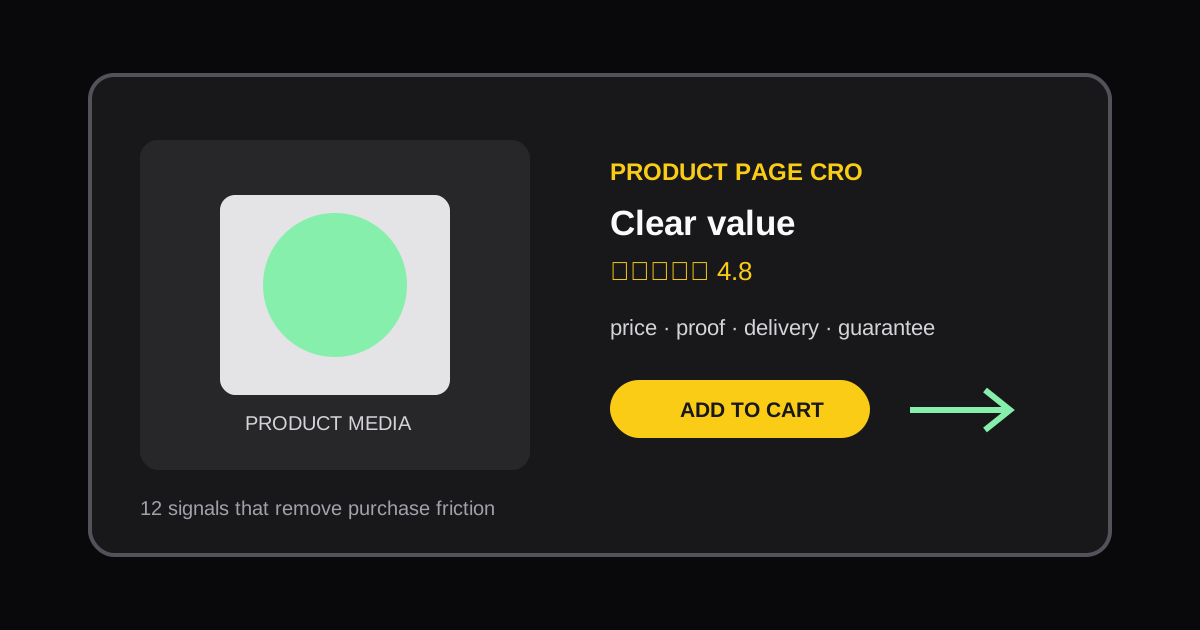
Scale Shopify SKU Content with Metafields: One Product Page System
Use product and variant metafields to standardize Shopify product pages, reduce template maintenance, and audit the live storefront with AI tools.

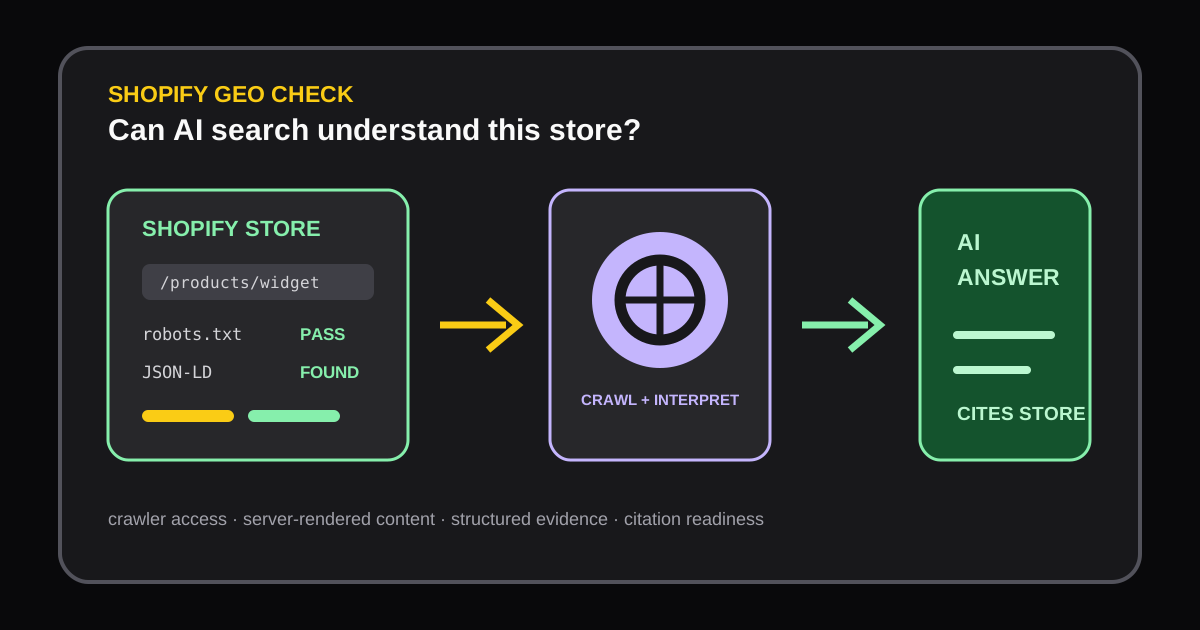
Shopify Store GEO Audit: How to Improve AI Search Visibility
Learn how a Shopify GEO audit checks AI crawler access, server-rendered content, robots.txt, and JSON-LD so AI answer engines can understand and cite your store.
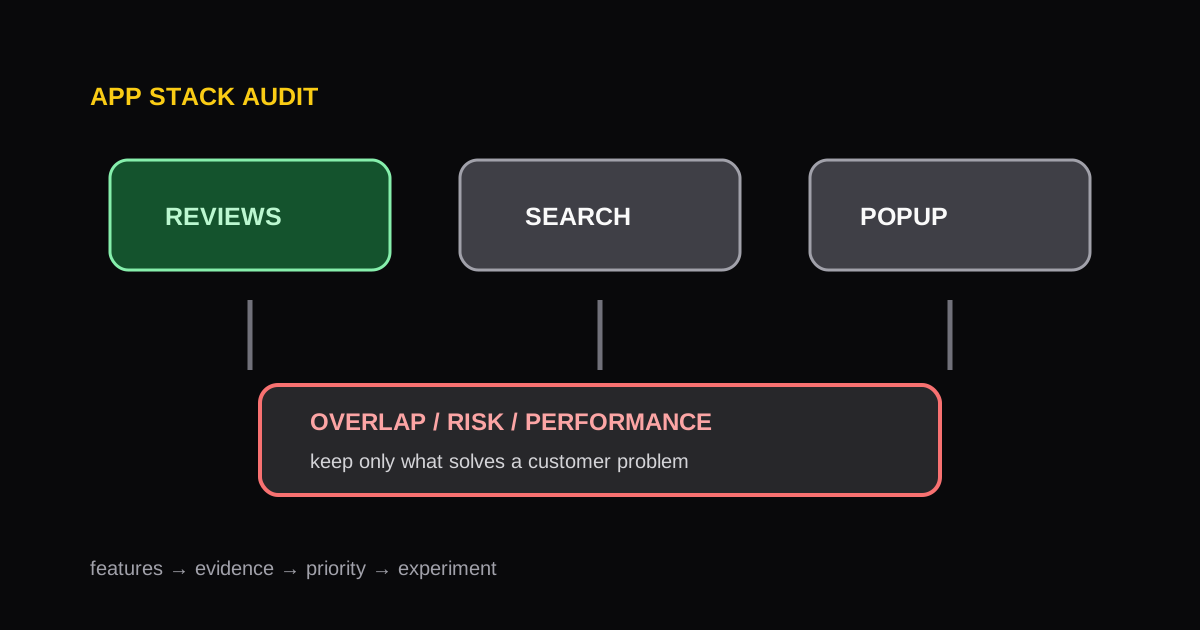
Shopify App Stack Audit: How to Find Overlap, Risk, and Opportunity
A repeatable framework for auditing a Shopify app stack, identifying redundant functionality, and protecting storefront performance.