Shopify Store GEO Audit: How to Improve AI Search Visibility
Learn how a Shopify GEO audit checks AI crawler access, server-rendered content, robots.txt, and JSON-LD so AI answer engines can understand and cite your store.
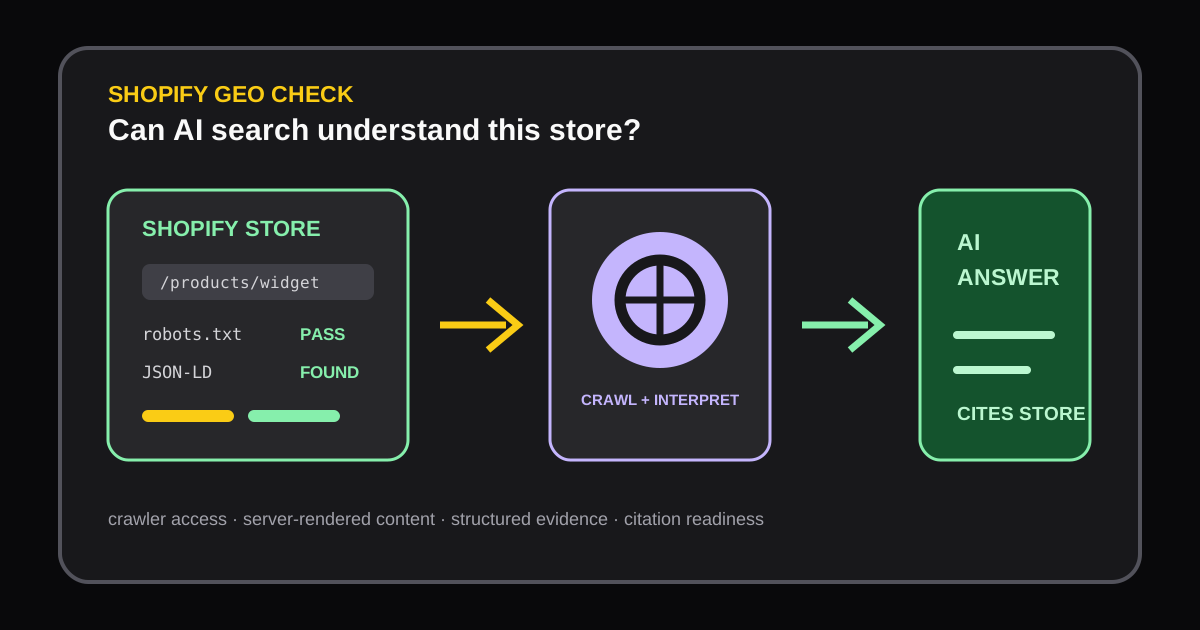
Customers are increasingly discovering products through AI answer engines as well as traditional search. For a Shopify store, that creates a practical technical question: can an AI crawler access the important pages, understand the product information, and find enough structured evidence to cite the brand accurately?
A Shopify GEO audit answers that question without pretending to guarantee rankings. The Shopify Store GEO Audit checks crawler access, robots.txt, server-rendered content, and JSON-LD, then turns the findings into prioritized fixes and a Word report your team can share.
What a Shopify GEO audit should check
AI crawler access
An AI search visibility audit starts with access. Review whether important product, collection, policy, and brand pages are blocked by robots.txt, authentication, accidental noindex directives, or a client-side flow that never exposes the content to a crawler. Check the canonical URL and redirect behavior as well; an accessible page that points elsewhere can still be difficult to interpret.
Access is not the same as visibility. A crawler may reach a URL but receive an incomplete response, a generic shell, or content that requires an interaction before it appears. That is why a useful Shopify AI search optimization check needs to inspect the delivered HTML as well as the declared crawl rules.
Server-rendered product content
Important facts should be present in the initial response: product name, description, price, availability, shipping context, and meaningful headings. If the first response contains only an empty app shell and the details arrive later through JavaScript, an answer engine may miss the information or attribute it incorrectly.
Compare the HTML response with what a shopper sees in the browser. Pay special attention to product templates assembled by third-party apps, review widgets, subscription selectors, and theme sections that render only after hydration. The goal is not to remove JavaScript; it is to make the core offer understandable before optional enhancements load.
JSON-LD and entity consistency
Structured data helps machines connect a page to a product, organization, offer, review, or breadcrumb. Check that JSON-LD is valid, describes the visible content, and uses consistent names, URLs, prices, currencies, and availability. Conflicting product values across the page, JSON-LD, feeds, and variant selectors create uncertainty for both search engines and shoppers.
Structured data cannot compensate for a weak product page. Treat it as supporting evidence, not a shortcut around clear copy, useful specifications, delivery details, and transparent policies.
Common issues found by an AI search visibility audit
- A broad
robots.txtrule blocks product or collection paths. - Important product facts appear only after a client-side request.
- JSON-LD contains stale prices, the wrong variant, or a missing
offersobject. - Canonical URLs, internal links, and structured-data URLs disagree.
- Thin collection pages give an AI system little context about the category.
- App embeds add duplicate or contradictory organization and product markup.
Prioritize issues by affected revenue pages, confidence in the diagnosis, and implementation effort. Fixing access to a best-selling product is usually more valuable than polishing markup on an abandoned campaign page.
A practical Shopify AI search optimization workflow
- Select a representative homepage, collection, product, and policy URL.
- Run the Shopify Store GEO Audit and save the report date and release version.
- Confirm high-priority findings in the page source and the live browser experience.
- Fix one layer at a time: crawl rules, server-rendered content, then structured data.
- Re-test the same URLs and compare the before-and-after evidence.
Pair the GEO audit with a Storefront Page Audit when the technical page is accessible but the offer is unclear. Use a Website Speed Audit when scripts or media delay the content needed for a shopper or crawler to understand the page.
Long-tail keywords and search intent
People looking for “Shopify GEO audit” usually want a technical checklist. Searches such as “AI search visibility audit for Shopify,” “Shopify robots.txt and JSON-LD audit,” and “Shopify AI search optimization” signal a more specific need. Address that intent directly with page-level examples, evidence from the rendered response, and clear limitations.
Avoid repeating the same phrase in every heading. A focused report, precise internal links, and honest wording about what the audit can and cannot prove are stronger signals than keyword density. The target outcome is a store that is easier for people and answer engines to understand.
References
Author

Categories
More Posts
Shopify App Stack Audit: How to Find Overlap, Risk, and Opportunity
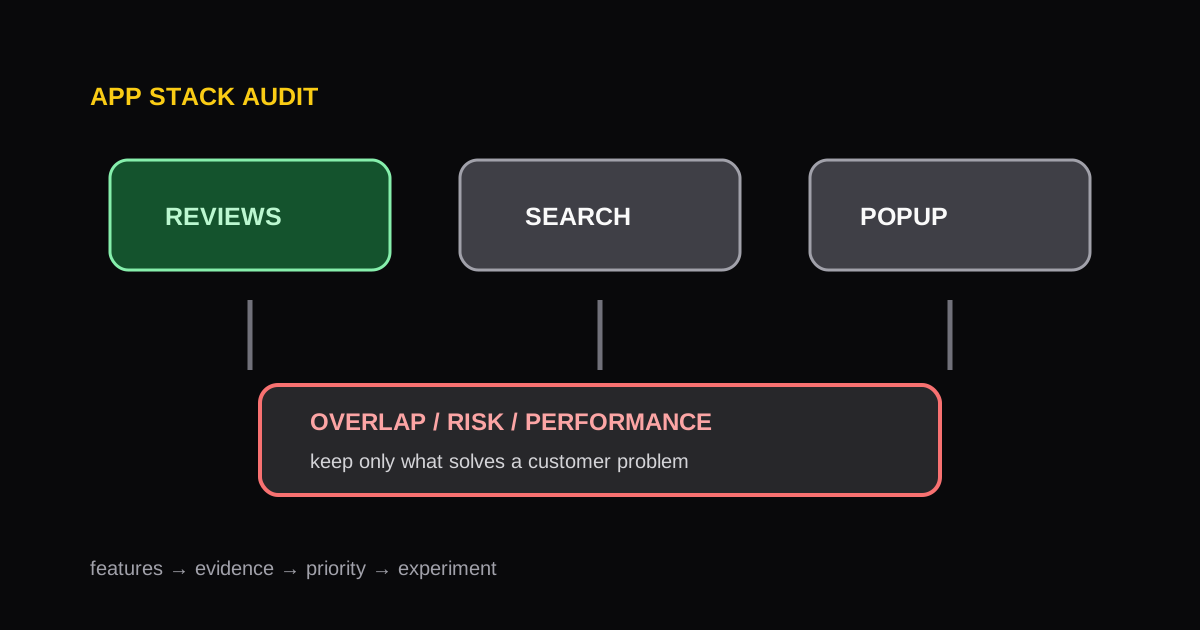
A repeatable framework for auditing a Shopify app stack, identifying redundant functionality, and protecting storefront performance.
How to Run a Shopify Speed Audit Without Chasing One Score
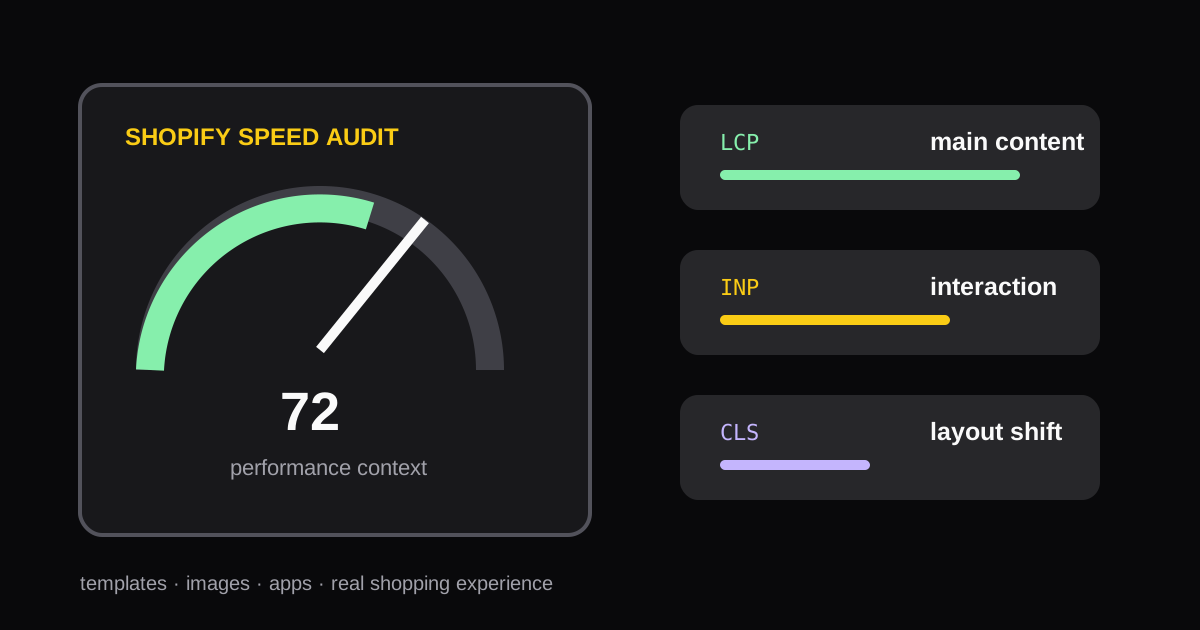
A practical process for auditing Shopify store speed, interpreting Core Web Vitals, and choosing fixes that improve the shopping experience.
Shopify Product Page CRO Audit Checklist: 12 Signals to Review
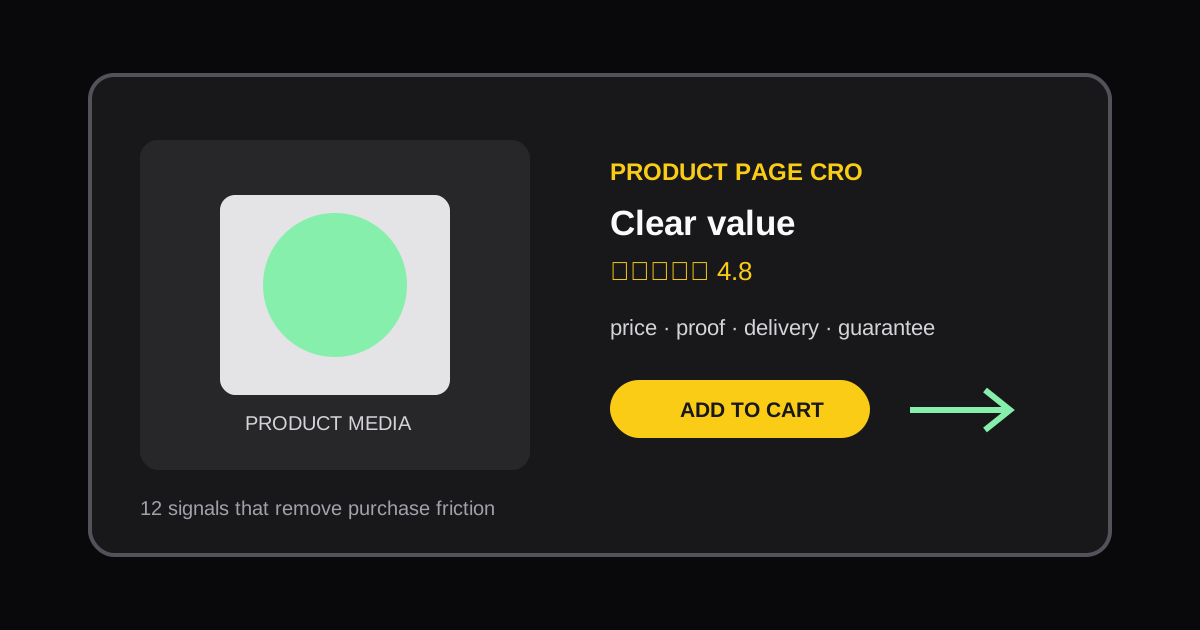
Use this practical Shopify product page CRO checklist to find friction, clarify the offer, and prioritize conversion improvements.