Shopify App Stack Audit: How to Find Overlap, Risk, and Opportunity
A repeatable framework for auditing a Shopify app stack, identifying redundant functionality, and protecting storefront performance.
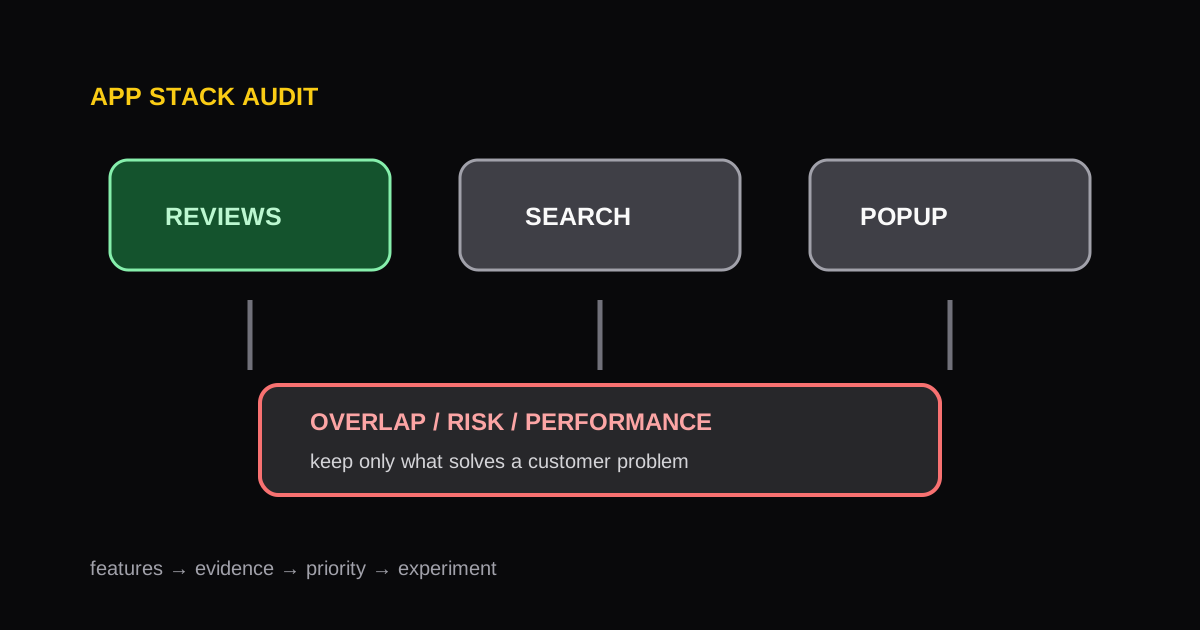
Shopify apps can solve meaningful problems quickly, but an app stack grows in layers. A campaign tool, a new review feature, and a theme update can leave unused embeds, duplicate tracking, and overlapping widgets behind. An app stack audit gives the team a way to keep the storefront intentional.
Build an inventory from the storefront and admin
Start with the Shopify admin app list, then inspect the storefront templates where each capability appears. The two views are necessary: an installed app may not load storefront code, while an older snippet can remain after an app is uninstalled.
For each app or custom integration, record its owner, business purpose, monthly cost, templates affected, storefront scripts, conversion dependency, and last review date. Group it by function: reviews, subscriptions, search, loyalty, analytics, support, merchandising, or operations.
Look for four kinds of issues
Functional overlap
Two apps may collect reviews, display product recommendations, send the same marketing event, or add competing popups. Pick the system of record and remove the duplicate behavior deliberately.
Storefront cost
An app can load JavaScript, CSS, images, or external requests even when a shopper never uses its feature. Identify the pages affected and compare that cost with the feature's business value. Use a Website Speed Audit to establish the actual performance signal before removing anything.
Operational risk
Check whether the app has an active owner, a documented configuration, support access, and a rollback plan. This matters most for subscriptions, bundles, returns, and checkout-adjacent workflows.
Experience inconsistency
Overlapping design systems can produce different buttons, drawers, messages, or translations across a store. This is a conversion issue as well as a design issue, especially on mobile.
Make decisions by role, not by tool count
The goal is not the smallest possible app count. Keep the apps that create clear customer or operational value, and assign each a distinct job. Before disabling an embed or uninstalling an app, test the affected templates, cart flows, email events, and analytics. Document the change so a future team member understands why it was made.
For competitive research, the Shopify App Detector can reveal likely components on a specific public storefront page. Use that research to form hypotheses, then evaluate the feature against your own customer needs and existing stack.
Authoritative references
More Posts
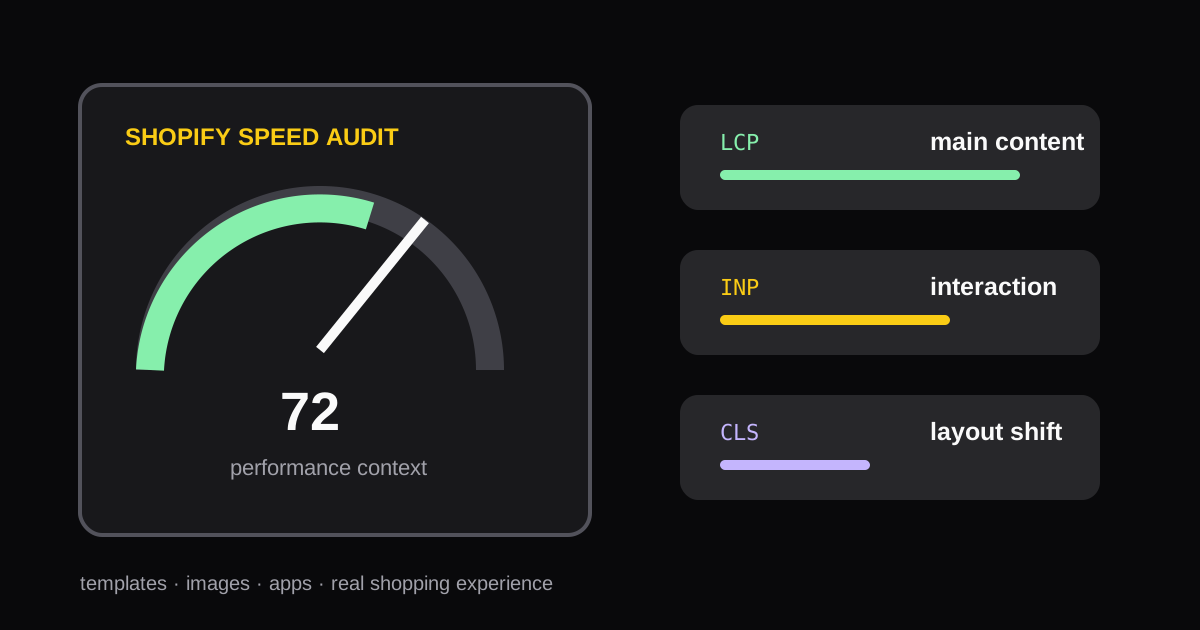
How to Run a Shopify Speed Audit Without Chasing One Score
A practical process for auditing Shopify store speed, interpreting Core Web Vitals, and choosing fixes that improve the shopping experience.

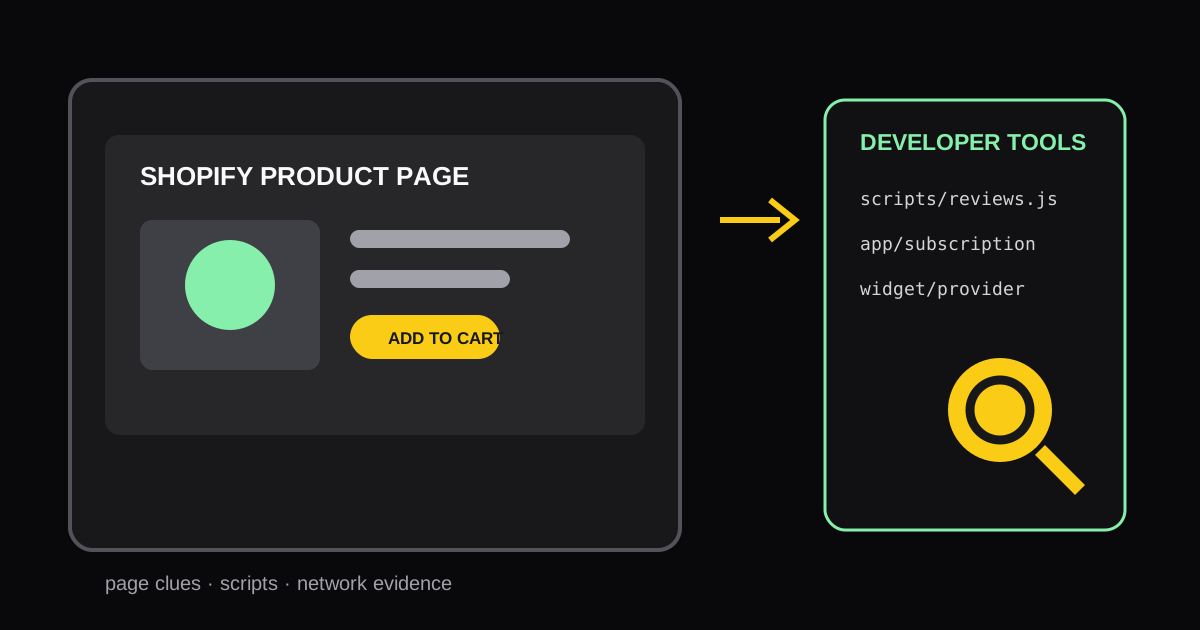
How to Identify Shopify Apps Used on Any Storefront Page
Learn practical ways to identify the Shopify apps and storefront components running on a specific page, then turn the findings into useful competitive research.
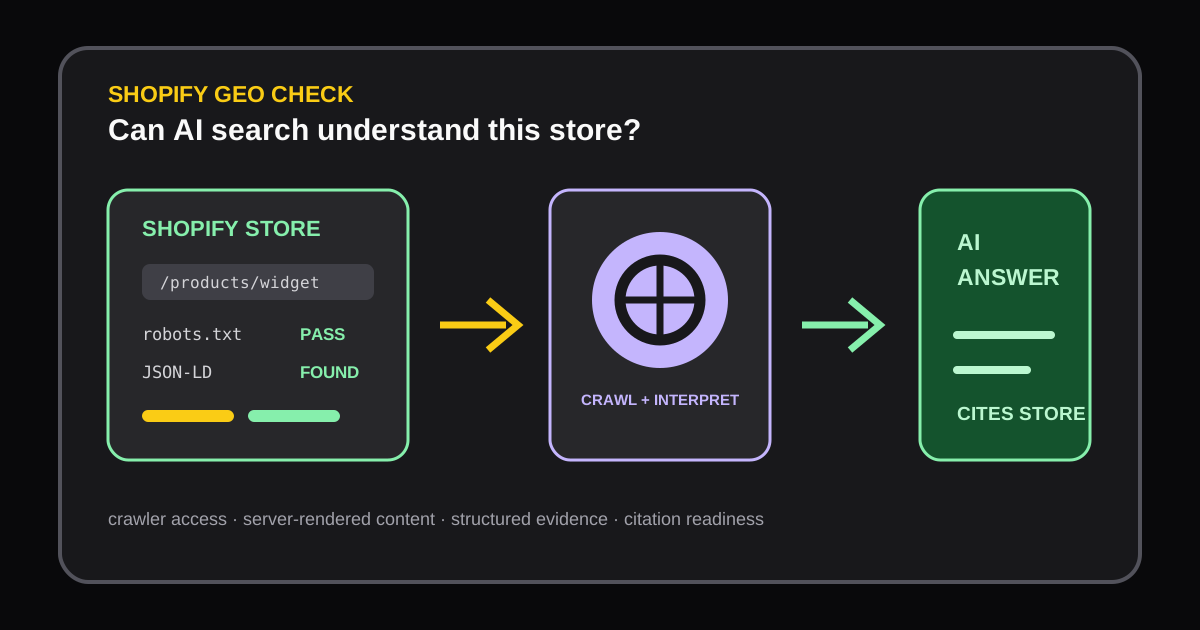
Shopify Store GEO Audit: How to Improve AI Search Visibility
Learn how a Shopify GEO audit checks AI crawler access, server-rendered content, robots.txt, and JSON-LD so AI answer engines can understand and cite your store.