Scale Shopify SKU Content with Metafields: One Product Page System
Use product and variant metafields to standardize Shopify product pages, reduce template maintenance, and audit the live storefront with AI tools.
As SKU counts grow, many Shopify stores create separate product templates for different image sets, videos, specifications, and manuals. It feels flexible at first, but the same page logic is soon copied across many templates. A new shipping note, trust message, or purchase block must be checked in each one. A new category creates another template, another configuration, and another set of products to migrate.
A more durable approach separates the page into two layers: the template controls the structure; metafields hold product and variant-specific content. Operations teams maintain product data, the theme presents it through a consistent system, and teams can audit real URLs to make sure pages remain clear, fast, and easy to buy from.
Why template sprawl slows product operations
Consider a store with 100 SKUs and five product templates. Adding one returns link to all product pages means opening five templates, placing a block, saving, and checking each preview. A new category that needs material details or an installation video creates a new branch of that work.
The issue is not templates themselves. It is asking them to manage both structure and content. Product A needs five detail images and a PDF, while product B only needs one key benefit, so a content difference is treated as a structural difference. More templates make visual consistency and mobile QA harder to manage.
Metafields separate those concerns. One tested product-page structure remains in place; a video block appears only when a video exists, a manual link appears only when a manual is attached, and product-specific specifications come from product data. The store moves from maintaining many page copies to maintaining one page system and accurate product data.
Design the fields before connecting the template
Do not begin by creating a template for every scenario. First list the information that changes by product and helps a shopper decide. Common product-level definitions include:
| Field | Suggested type | Storefront use |
|---|---|---|
| Key benefit | Multi-line text | A concise value statement near title or price |
| Detail image set | File list | Supporting use, material, and detail imagery |
| Installation or use video | File or URL | Reduces setup and usage uncertainty |
| Manual | File | PDF download link |
| Materials and specifications | Rich text | Sizing, care, and product parameters |
| Customization information | Rich text or boolean | Displays only for customizable products |
Create these definitions under Settings → Custom data → Products in Shopify. Use names that tell an operator exactly what belongs in the field, such as “Key benefit” rather than “Module 1.” A field may be empty when that content does not apply, but avoid using empty fields to hide answers a product description must provide.
In the default product template, connect text, rich text, image, and video blocks to their relevant dynamic sources. Configure blocks to hide when their field has no value, preventing empty headings, inactive buttons, and needless space. If a theme does not support the required dynamic-source behavior, add the necessary Liquid conditions once and release them consistently.
Use variant metafields for color and material differences
Variant metafields work well for information that changes by color, size, or material: color-specific lifestyle images, ingredient details, size guidance, or availability notes. For a variant image set, create an image file list under Settings → Custom data → Variants, then attach the appropriate assets to each variant.
The theme must read the active variant value when a shopper changes a variant, then replace or extend the gallery as needed. Do not assume every theme supports multiple variant images by default. Before launch, switch colors and sizes on a real product URL and confirm that the main image, thumbnails, price, inventory message, and add-to-cart state all update together.
At higher SKU volumes, data entry becomes the next constraint. Use Shopify's bulk editor or a verified import workflow to populate fields. Before a broad import, check three representative products: one with complete fields, one with some fields empty, and one with multiple variants. This catches mismatched field types, names, and file references early.
Add a live-page review to the workflow
Metafields reduce maintenance work; they do not automatically make a product page clear or fast. After a structural change, review representative URLs: a best seller, the most information-heavy product, a product with empty fields, and a product that receives substantial mobile traffic.
Start with a Storefront Page Audit to assess the offer, media order, specifications, shipping and returns, trust evidence, and add-to-cart path from the shopper's perspective. Watch for dynamic content that pushes a key benefit too far down the page or makes hierarchy inconsistent between products.
When new videos, image sets, app blocks, or scripts affect load time, use a Website Speed Audit to compare the same URL before and after release. The goal is not to remove every module; it is to make sure the product, price, and next action appear promptly. Use appropriately sized media, defer non-essential content, and identify the owner of duplicate app scripts before changing them.
A repeatable operating process
- List information that changes by product or variant, then create clear field definitions.
- Connect dynamic sources in one default product template and hide blocks with no content.
- Test field display and variant changes on representative products, on desktop and mobile.
- Use a page audit to find friction affecting comprehension and add-to-cart; use a speed audit to measure media and script cost.
- Prioritize two or three high-impact issues, record product views, add-to-cart rate, and conversion, then iterate.
Metafields do not require every product to look identical. Their value is in standardizing the structure that should remain stable and moving meaningful differences back into product data. Operations teams avoid repeated configuration, developers reduce template branches, and shoppers get a more consistent path to a purchase decision.
Authoritative references
Author

Categories
More Posts
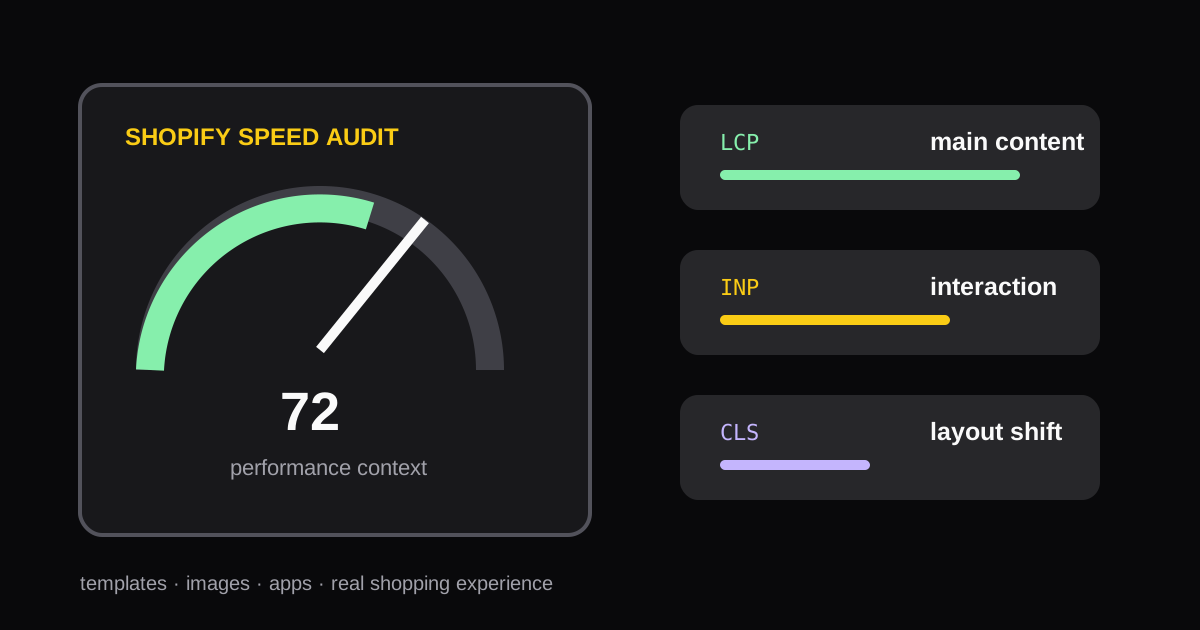
How to Run a Shopify Speed Audit Without Chasing One Score
A practical process for auditing Shopify store speed, interpreting Core Web Vitals, and choosing fixes that improve the shopping experience.
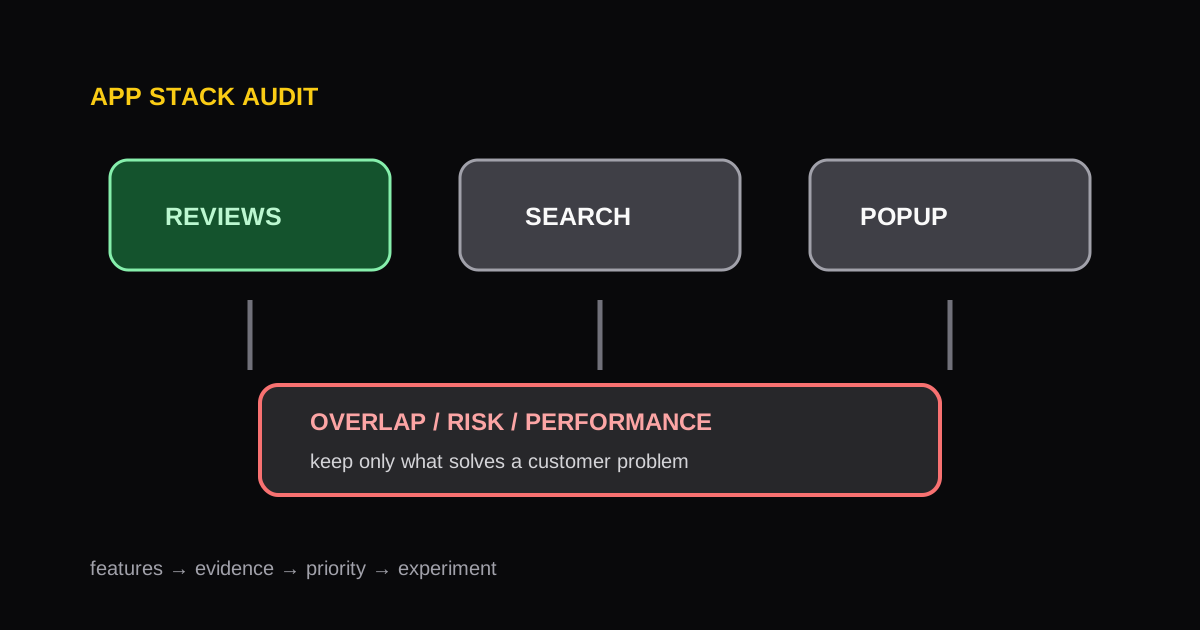
Shopify App Stack Audit: How to Find Overlap, Risk, and Opportunity
A repeatable framework for auditing a Shopify app stack, identifying redundant functionality, and protecting storefront performance.
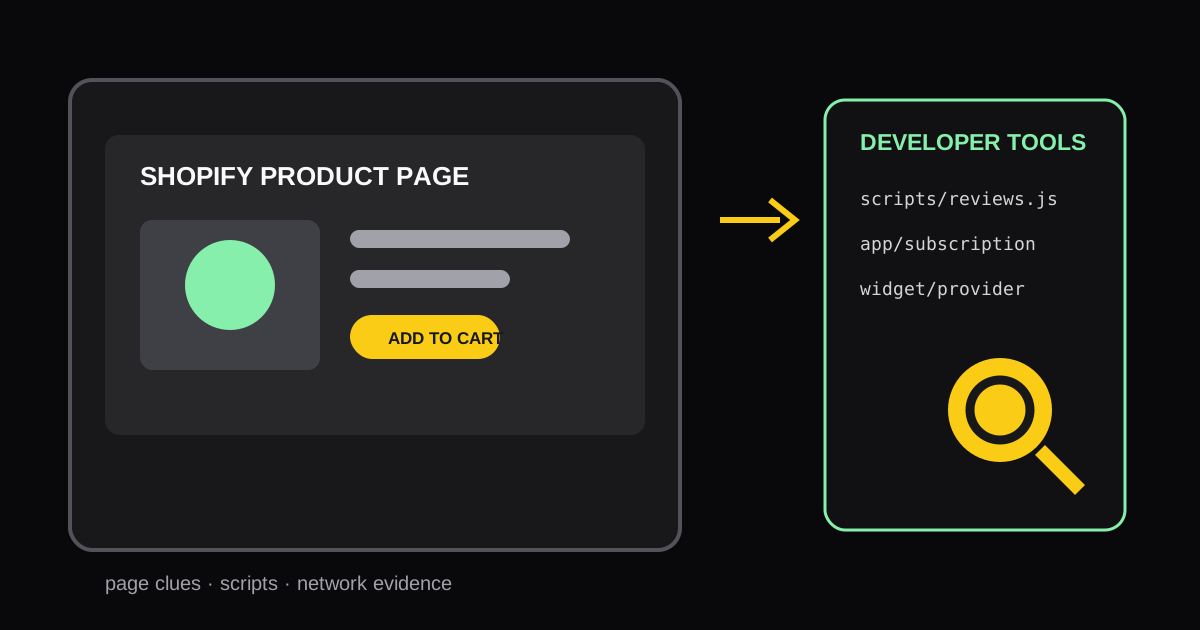
How to Identify Shopify Apps Used on Any Storefront Page
Learn practical ways to identify the Shopify apps and storefront components running on a specific page, then turn the findings into useful competitive research.