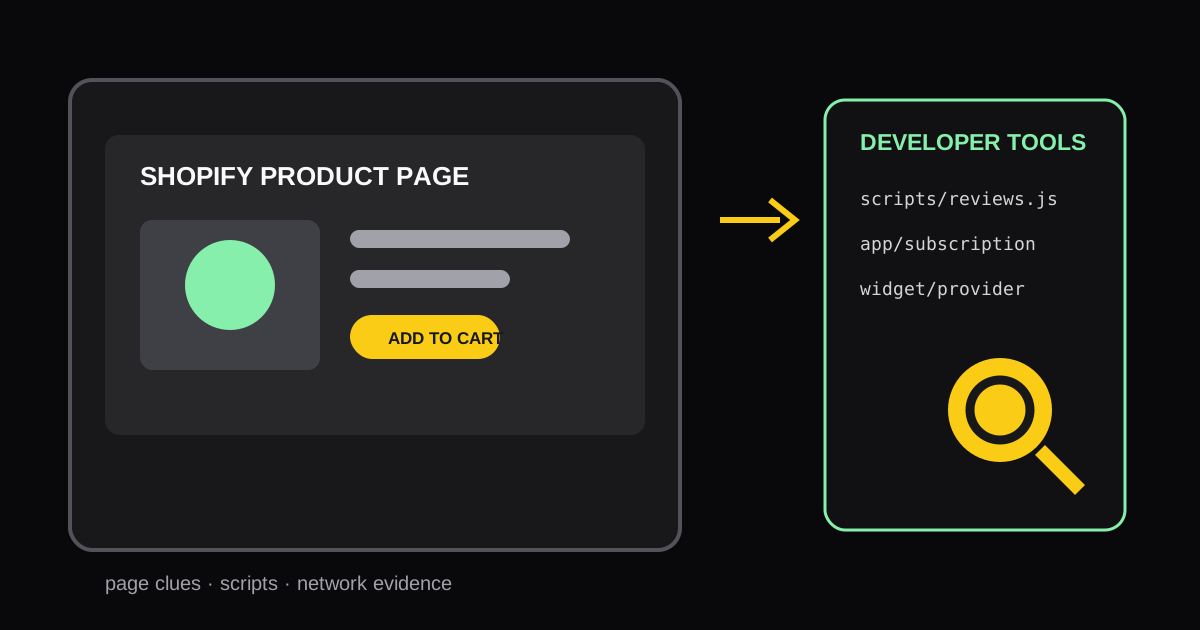
How to Identify Shopify Apps Used on Any Storefront Page
Learn practical ways to identify the Shopify apps and storefront components running on a specific page, then turn the findings into useful competitive research.
If a Shopify storefront has a useful subscription flow, review widget, quiz, or post-purchase offer, knowing which app powers it can shorten your research. App identification is not about copying a store. It is a way to understand the technology choices behind a customer experience and decide whether a similar capability is relevant for your own store.
Start with one page and one question
Do not begin by trying to inventory an entire competitor site. Choose the page where the behavior appears and define the question. For example:
- Which app renders the product reviews on this product page?
- Is the subscription selector a Shopify app or a custom component?
- What is handling the email capture popup?
This keeps the research focused. Shopify stores frequently load scripts that are not visible on every route, so homepage results can differ from product-page or cart-page results.
Three ways to identify the apps
1. Inspect visible storefront clues
Some widgets identify themselves in their text, accessibility labels, links, or footer. A review block may link to the provider, and a support widget may expose its brand in the launcher. This is fast, but it only finds visible integrations.
2. Check page source and network requests
Browser developer tools can reveal script domains, CSS classes, and requests
associated with an app. Search for terms such as reviews, subscription, or
the provider name you suspect. Treat this as evidence, not proof: a merchant can
rename classes, proxy assets, or use a custom theme integration.
3. Run a page-level app scan
For repeatable research, use a scanner that checks the submitted URL rather than making a domain-wide guess. Our Shopify App Detector maps recognizable page components to likely apps and provides follow-up links. It is especially useful when the desired feature only exists on a product page, landing page, or cart.
Validate the result before acting on it
An identified app is a starting point. Review the app's current Shopify App Store listing, pricing, supported theme behavior, and performance impact before adding it to your stack. Two stores can use the same app and still produce very different experiences because of their offer, copy, theme, and configuration.
Use this short validation checklist:
- Confirm the feature appears on the exact page you analyzed.
- Check whether the app supports your Shopify plan, theme, and markets.
- Compare its loading impact against the value of the feature.
- Decide which business problem it solves before evaluating the install.
Turn app research into a useful audit
Maintain a small spreadsheet with the page URL, feature observed, likely app, evidence, and potential use case. After reviewing several stores, patterns emerge: perhaps most category leaders use subscriptions, one type of review display, or a faster-search experience. Pair the stack research with a storefront page audit so technology choices do not distract from the actual conversion path.
The best output of competitor research is a prioritized experiment, not a long list of apps to install. Pick the highest-impact customer problem, establish a baseline, and measure the result after implementation.
Authoritative references
Author

Categories
More Posts
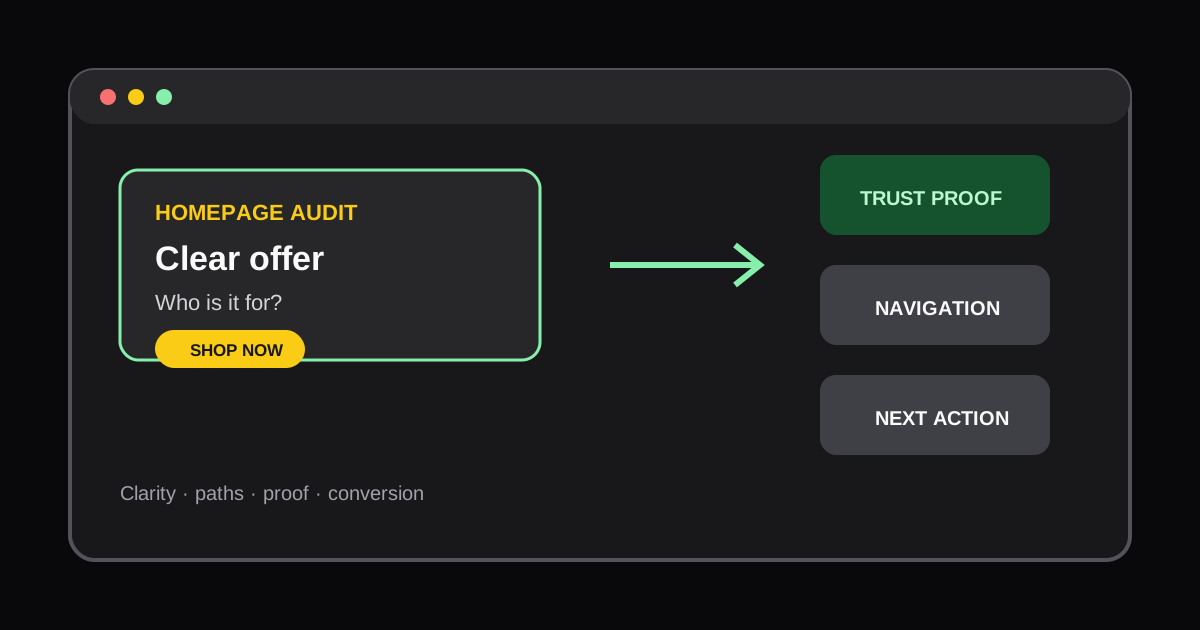
How to Audit a Shopify Homepage for Conversions
Learn how to review a Shopify homepage for offer clarity, navigation friction, trust signals, and the next action a new shopper should take.
Scale Shopify SKU Content with Metafields: One Product Page System
Use product and variant metafields to standardize Shopify product pages, reduce template maintenance, and audit the live storefront with AI tools.
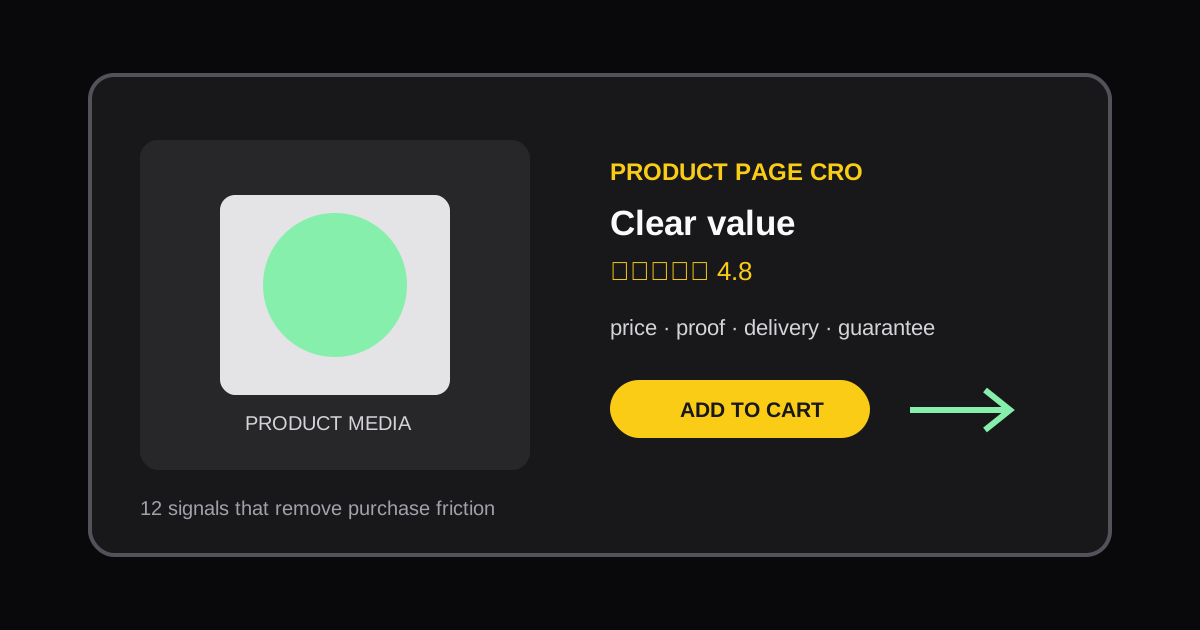
Shopify Product Page CRO Audit Checklist: 12 Signals to Review
Use this practical Shopify product page CRO checklist to find friction, clarify the offer, and prioritize conversion improvements.