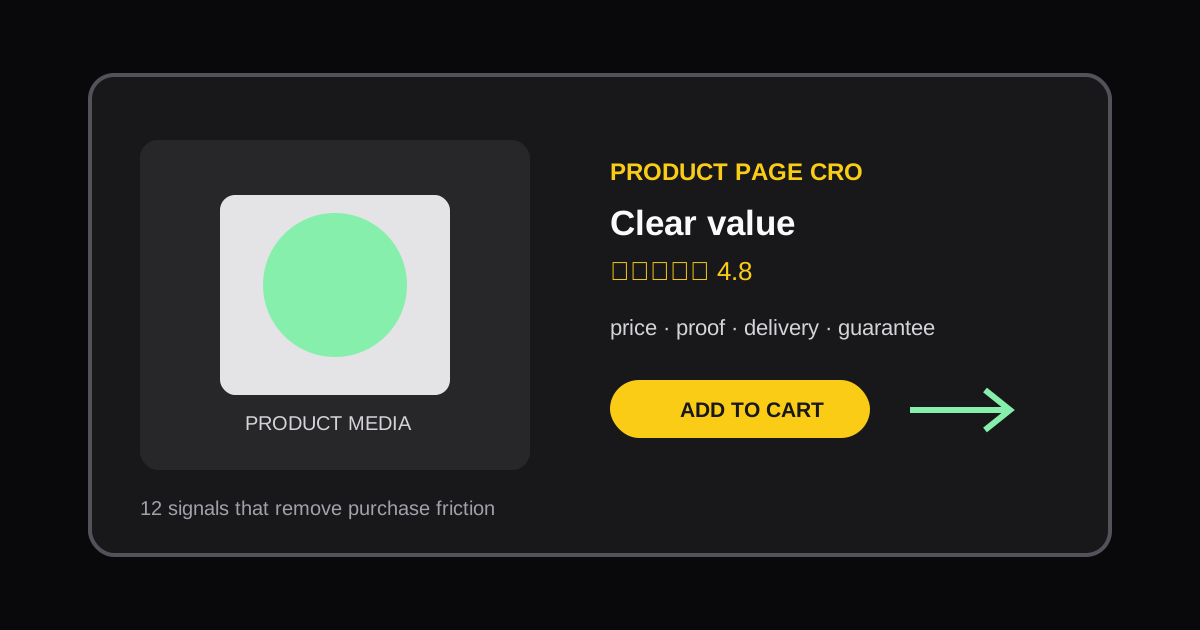
Shopify Product Page CRO Audit Checklist: 12 Signals to Review
Use this practical Shopify product page CRO checklist to find friction, clarify the offer, and prioritize conversion improvements.
A product page should answer a shopper's practical questions before it asks for the sale: what is this, why is it right for me, what does it cost, and what happens after I buy? A CRO audit is useful when it turns those questions into a short, testable list instead of a cosmetic redesign.
The 12-point product page checklist
- Product clarity: Can a first-time visitor understand the product and primary benefit from the title, image, and first screen?
- Offer clarity: Are price, discount, bundle terms, and subscription terms easy to distinguish?
- Primary media: Do images or video show the product in use, scale, and important details?
- Variant selection: Are size, color, quantity, and availability clear before a customer reaches the add-to-cart button?
- Add-to-cart visibility: Is the primary action visible without competing CTAs or unclear button labels?
- Shipping and returns: Can a shopper find delivery timing, cost, and returns policy at the decision point?
- Trust evidence: Are reviews, ratings, guarantees, or press claims placed near the claims they support?
- Objection handling: Does the page answer fit, compatibility, ingredients, materials, care, or setup questions?
- Mobile usability: Are media, selectors, sticky controls, and accordions easy to use on a phone?
- Page speed: Do oversized images, popups, or app scripts delay the interaction needed to buy?
- Cross-sell relevance: Do recommended products help the shopper complete the purchase rather than interrupt it?
- Checkout continuity: Does the cart preserve the offer and avoid surprise costs or delivery restrictions?
Prioritize by evidence, not preference
Do not change all 12 items at once. Start with a problem that is both visible in the audit and supported by data: low add-to-cart rate, mobile conversion gap, support questions, heatmaps, or customer feedback. A weak product proposition is usually more important than a button color.
A simple priority score is useful: rate each issue for customer impact, confidence in the diagnosis, and implementation effort. Fix high-impact, high-confidence, low-effort issues first. Record the baseline conversion metric and give the change enough traffic before deciding whether it worked.
Audit one URL at a time
Run the checklist on an actual product URL, not a generic staging page. This captures real content, installed apps, and the live buying path. The Storefront Page Audit provides a structured starting report; pair it with a Website Speed Audit when performance is likely to affect mobile shoppers.
Common mistakes
Avoid adding trust badges without explaining the offer, hiding essential shipping information behind a link, or treating every third-party app as a CRO feature. A good product page reduces uncertainty. The visual treatment only matters when it makes the next decision clearer.
After each change, revisit the same checklist. CRO compounds when a team builds a repeatable review habit rather than running one large redesign every year.
Authoritative references
More Posts
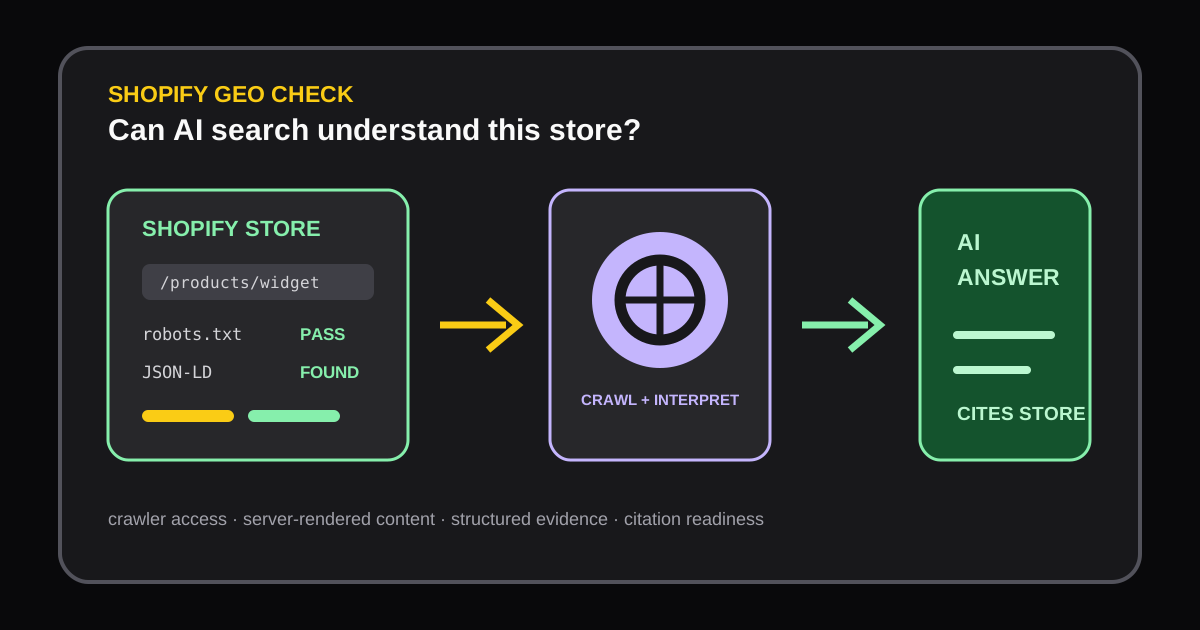
Shopify Store GEO Audit: How to Improve AI Search Visibility
Learn how a Shopify GEO audit checks AI crawler access, server-rendered content, robots.txt, and JSON-LD so AI answer engines can understand and cite your store.

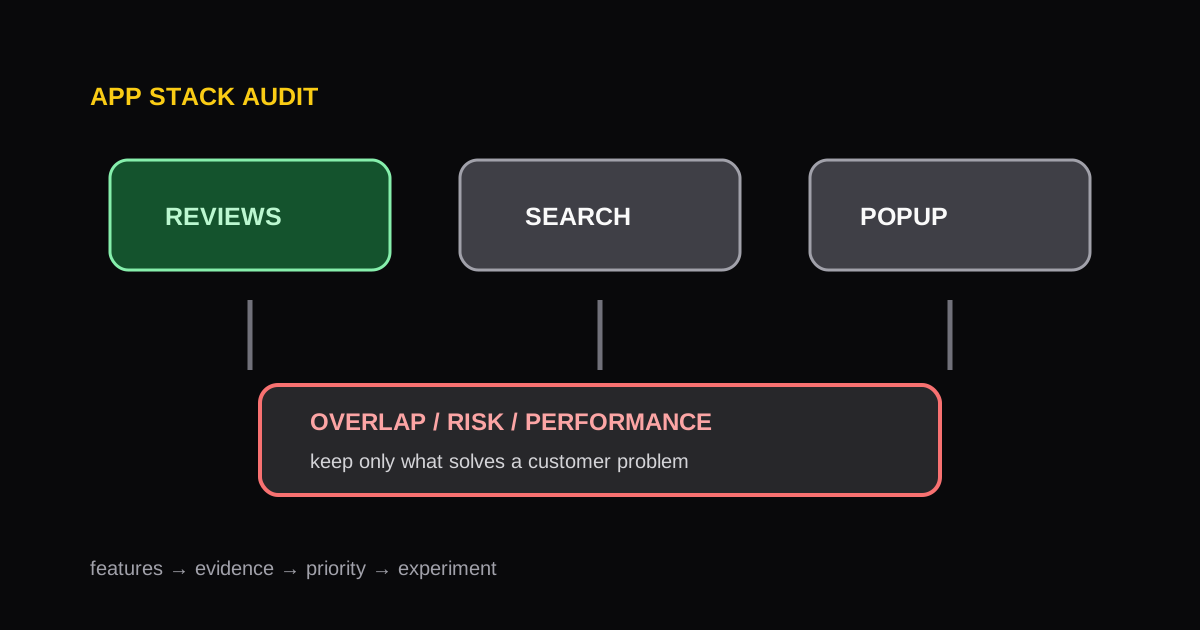
Shopify App Stack Audit: How to Find Overlap, Risk, and Opportunity
A repeatable framework for auditing a Shopify app stack, identifying redundant functionality, and protecting storefront performance.
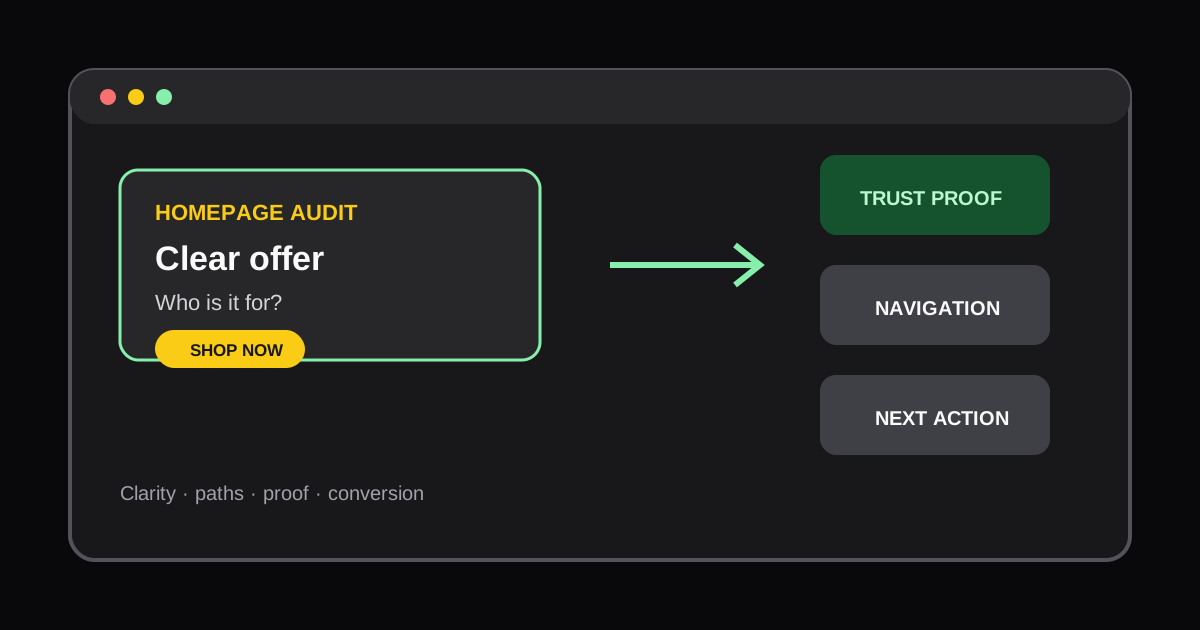
How to Audit a Shopify Homepage for Conversions
Learn how to review a Shopify homepage for offer clarity, navigation friction, trust signals, and the next action a new shopper should take.