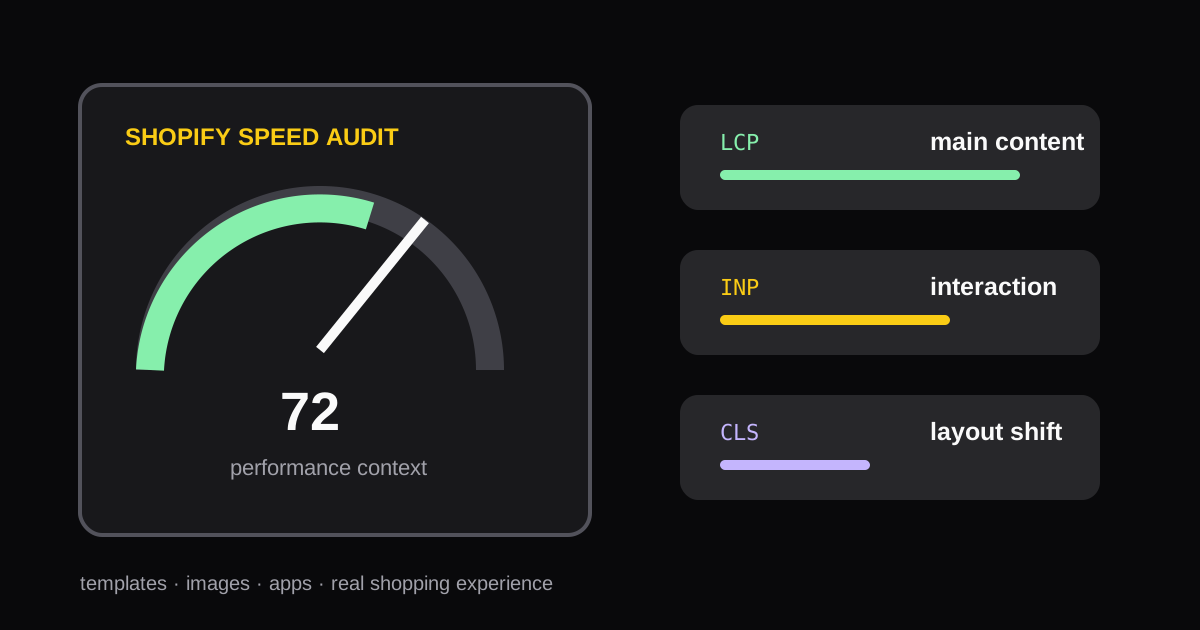
How to Run a Shopify Speed Audit Without Chasing One Score
A practical process for auditing Shopify store speed, interpreting Core Web Vitals, and choosing fixes that improve the shopping experience.
Shopify speed work should improve the experience of a real shopper, not just a single lab score. The right audit examines the routes that earn traffic and revenue, separates platform constraints from theme issues, and prioritizes changes that reduce waiting or interaction delay.
Choose the pages that matter
Test at least a homepage, a collection page, a representative product page, and the cart. These pages often load different templates, sections, media, and apps. One fast homepage does not prove that a product page with reviews, subscriptions, and video is healthy.
Use consistent conditions for each test. Compare mobile and desktop results, and keep a record of the tested URL, date, template, and major releases. Lab tests are directional; field data, when available, shows what real visitors experience.
Read the signals in context
Core Web Vitals summarize distinct problems:
- LCP reflects how quickly the main useful content appears.
- INP reflects responsiveness after a shopper interacts.
- CLS reflects whether the page layout moves unexpectedly.
For Shopify storefronts, large hero media, render-blocking scripts, unreserved image dimensions, popup tools, and third-party app code are frequent sources of these problems. Do not remove an app only because it appears in a report. First confirm its customer value and the page routes on which it loads.
Build a fix list
Group each finding into one of four ownership buckets: image/media, theme code, third-party app, or Shopify/platform. Then document the expected benefit, the affected templates, implementation owner, and validation test. This prevents a vague request to "make the store faster" from becoming a risky theme rewrite.
Typical first actions include serving appropriately sized product images, reserving media space to prevent layout shifts, deferring non-critical scripts, removing unused app embeds, and limiting popup behavior on mobile. Validate every change on the relevant live template and check that conversion features still work.
Use real measurements as the starting point
The Website Speed Audit pulls PageSpeed data for a submitted page and turns the signals into an implementation-oriented plan. Run it before and after a release, then compare the same URLs instead of celebrating a single isolated score.
Speed work supports conversion when it helps customers see the offer, select a variant, and add to cart with less delay. Combine this audit with the product page CRO checklist so performance fixes support the buying journey rather than competing with it.
Authoritative references
More Posts
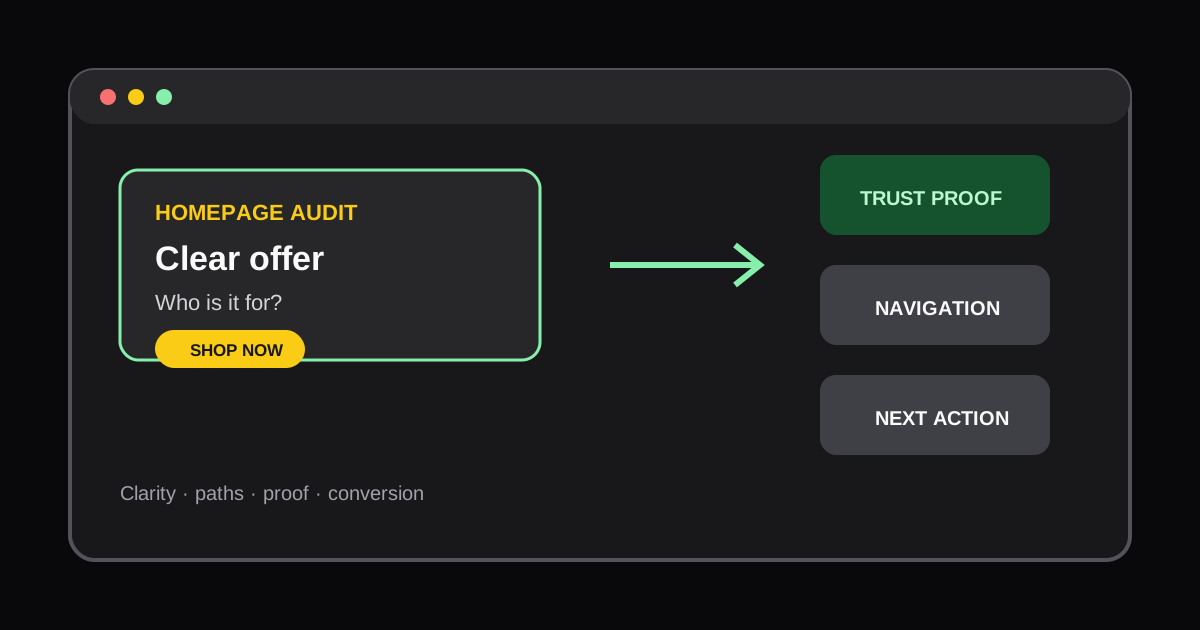
How to Audit a Shopify Homepage for Conversions
Learn how to review a Shopify homepage for offer clarity, navigation friction, trust signals, and the next action a new shopper should take.

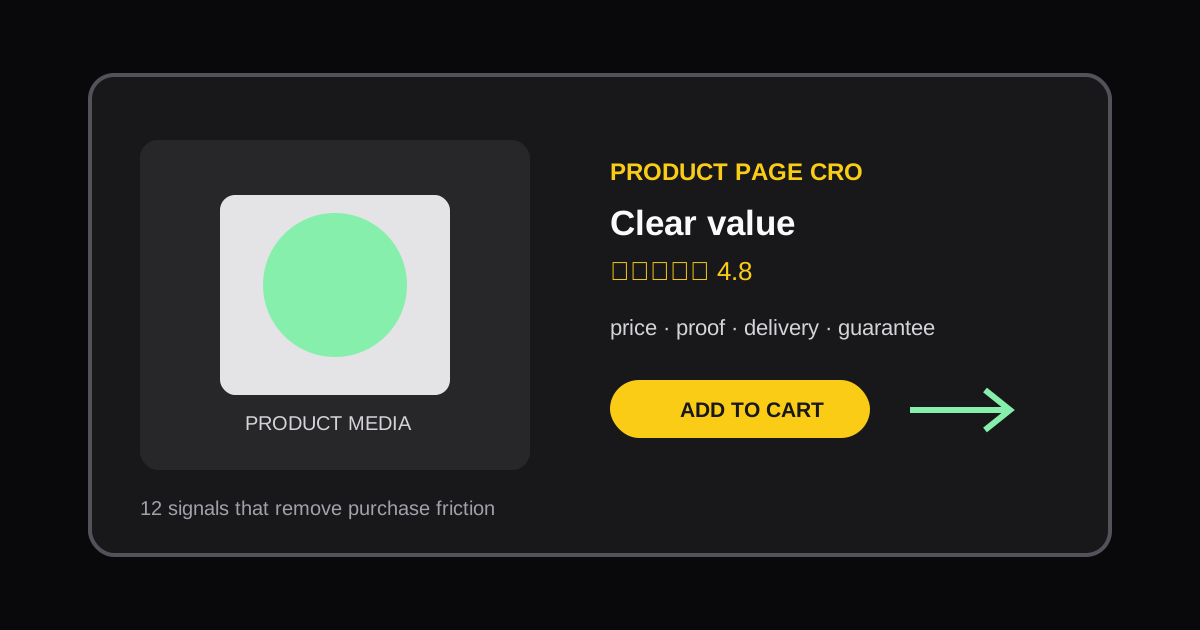
Scale Shopify SKU Content with Metafields: One Product Page System
Use product and variant metafields to standardize Shopify product pages, reduce template maintenance, and audit the live storefront with AI tools.
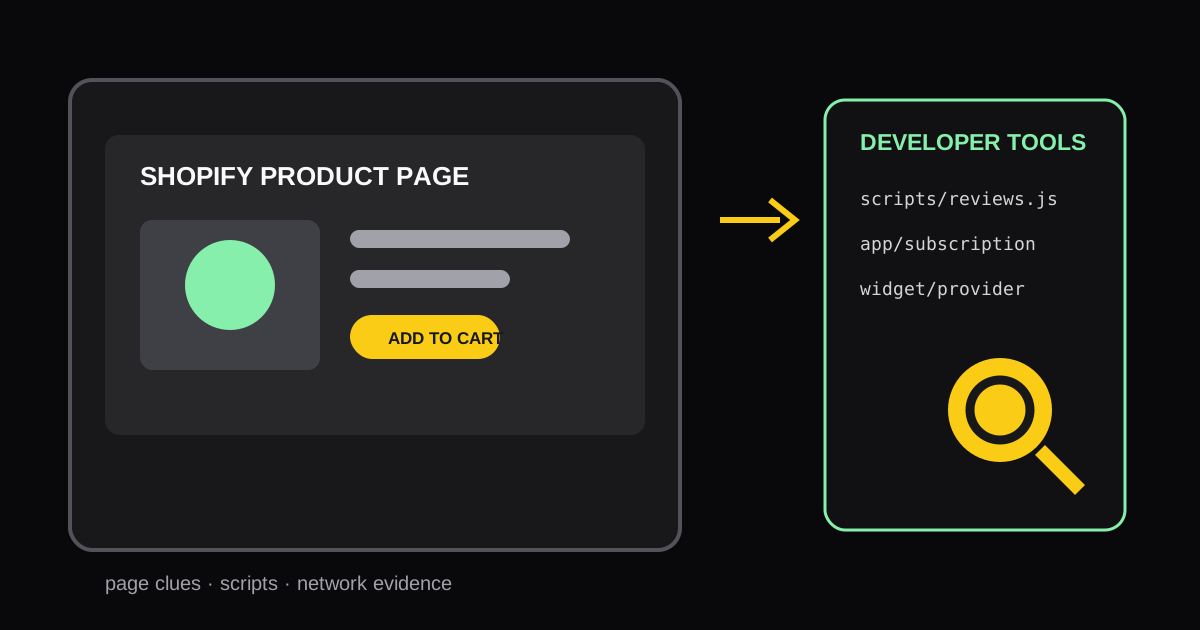
How to Identify Shopify Apps Used on Any Storefront Page
Learn practical ways to identify the Shopify apps and storefront components running on a specific page, then turn the findings into useful competitive research.